
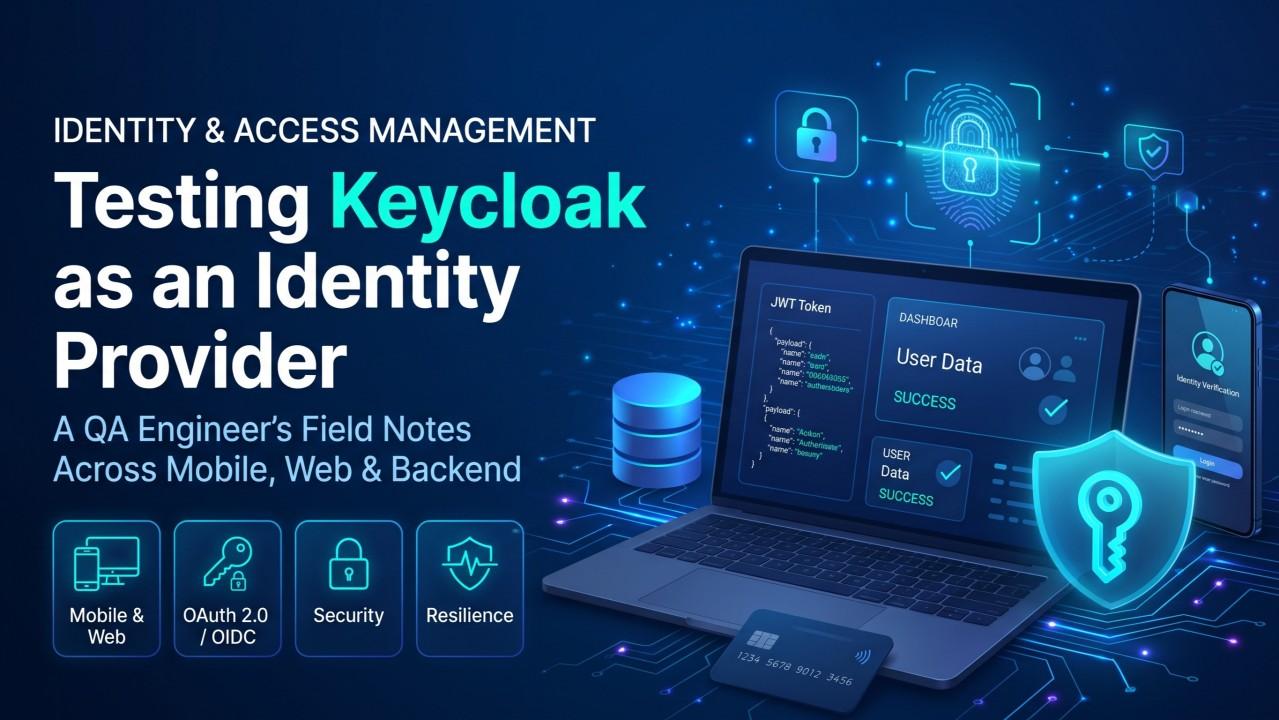
Testing Keycloak as an Identity Provider: A QA Engineer's Field Guide
Authentication is the one feature where “it works on my machine” can quietly become a business risk. Here is how I approach testing Keycloak across manual, automation, backend, frontend, mobile, DevOps and security.
- Keycloak
- OAuth2
- OIDC
- Security Testing
- JWT
- API Testing
Syndicated Reading Channels
Read, share, and discuss this article on LinkedIn Pulse or Medium
Authentication is the one feature where “it works on my machine” can quietly become a business risk.
I’ve spent my career testing across manual, automation, backend, frontend, mobile, DevOps and security. Few components touch as many layers as an identity provider. When Keycloak is the central login and token service for a mobile app, a web portal and a set of backend services, one misconfiguration can affect all three at once.
Here is how I approach testing it and what I’ve learned.
1. Why Keycloak needs its own test strategy
Keycloak sits in front of everything:
- Mobile apps: authenticate through it using Authorization Code + PKCE
- Web portals: rely on it for SSO and session handling
- Backend APIs: trust the tokens it issues
- DevOps: owns its deployment, scaling and upgrades
If I only test the login screen, I’ve tested roughly 10% of the system. The rest lives in tokens, roles, sessions, realm settings and infrastructure.
2. The test layers I use for identity
Each layer catches defects the others cannot see.
- Configuration: realm, client, scope, mapper and role settings match the approved baseline (realm export diffs, Terraform, Keycloak CLI)
- API / Protocol: OIDC discovery, token issuance, refresh, logout, introspection (Postman/Newman, REST Assured)
- Web UI: login, SSO across apps, forgot-password, MFA (Playwright, Cypress, Selenium)
- Mobile: system-browser login, deep-link return, secure token storage, biometric re-entry (Appium, Maestro, real devices)
- Backend integration: APIs accept valid tokens and reject expired, forged or wrong-audience ones (automated API suites, Pytest)
- Non-functional: login throughput, failover, recovery during rolling upgrades (k6, JMeter)
- Security: lockout, rate limiting, token tampering, PKCE enforcement (OWASP ZAP, Burp Suite, manual review)
3. Functional testing: beyond the happy path
The happy path is the easy part. The value is in negative and boundary cases.
Authentication
- Wrong password, locked account, disabled user
- Expired or reused password-reset links
- MFA with a wrong or expired code
- Password changed on another device while a session is active
Tokens
- Access token expires and refresh renews it
- Refresh token rejected after logout or revocation
- Tampered or expired tokens rejected by every backend service
- Claims (aud, iss, roles, scopes) match what the client should receive
Sessions
- SSO between portals works, and logout in one is reflected in the other.
- Idle vs maximum session timeouts behave as configured.
- Concurrent session policy is enforced
- Cookie attributes (Secure, SameSite) are correct
A small check I automate in almost every project:
pm.test("Unauthenticated request returns 401 with a Bearer challenge", function () {
    pm.response.to.have.status(401);
    pm.expect(pm.response.headers.get("WWW-Authenticate")).to.include("Bearer");
});

pm.test("Error response leaks no internals", function () {
    const body = pm.response.text();
    pm.expect(body).to.not.include("Exception");
    pm.expect(body).to.not.include("org.keycloak");
});
It’s small, runs on every build, and has caught real regressions.
4. Mobile-specific testing
Mobile authentication has quirks that web testing never reveals:
- Redirect handling: does the app resume correctly after the browser login returns?
- Backgrounding: what if the OS kills the app mid-login?
- Network changes: Wi-Fi to mobile data during a token refresh
- Device variety: OS versions, browsers and manufacturers behave differently
- Logout completeness: is the session actually ended in Keycloak, or did the app only clear a local screen?
That last one matters. Many apps “log out” by deleting local tokens, but the browser session is still alive and silently logs the user back in. I verify the server-side session and refresh token are really invalidated.
I automate stable flows with Appium and keep exploratory manual testing for interruptions and unusual scenarios.
5. Backend and API testing: the role-by-endpoint matrix
Developers often assume “the gateway checks the token.” I verify that for every service:
- Does every protected endpoint enforce authentication?
- Are role rules enforced server-side, not just hidden in the UI?
- Can a user with one role reach another role’s functionality?
- Are signature, expiry, issuer and audience all validated?
My habit: a matrix where rows are endpoints, columns are roles and each cell is an expected allow or deny. Automated, it turns authorization testing from guesswork into evidence on every release.
6. Performance and resilience
Login is a natural choke point. Password hashing is deliberately CPU-heavy, and every user hits the identity service at the start of every session. I test:
- Login and token-refresh times under realistic load
- Peak windows such as start of day or campaign launches
- What users see if the identity service is slow or briefly unavailable
- Recovery after a restart or rolling deployment
The question I keep asking: if Keycloak has a bad moment, does the whole product fail, or does it degrade gracefully?
7. DevOps and GCP: test the platform, not just the app
- Environment parity: dev, staging and production differ only where intended.
- Configuration as code: realm settings are version-controlled and diffed on every change, so a console tweak at 2 AM can’t go unnoticed
- CI/CD gates: smoke and API tests run after each deployment, and failures block promotion.
- Upgrade testing: every Keycloak upgrade gets a full regression run in staging first.
- Backup and restore: we test the restore, because an untested backup is a hope, not a plan
- Edge protection: rate-limit rules (for example Cloud Armor) are verified to throttle abuse without hurting normal traffic.
- Monitoring: failed-login spikes and 5xx rates trigger alerts before users raise tickets
8. Three traps many teams miss
Token bloat. Mapping many roles, groups and attributes into the access token can push it past proxy header limits (often 4 to 8 KB). Then power users hit 494 or 502 errors on every request. Test with a user assigned to many groups and assert a token size limit.
PKCE enforcement. Confirm the client rejects authorization requests without a proper S256 challenge, rather than silently falling back to a weaker flow.
Session continuity during upgrades. In a clustered setup, a pod restart can drop sessions if state transfer doesn’t finish. Test by terminating pods under steady synthetic load and watching whether users get logged out.
9. Security testing mindset
I treat security as part of QA, not a separate quarterly event:
- Rate limiting, lockout and password policies work as configured.
- Login errors stay generic, so usernames can’t be harvested
- Redirect URIs are strict, with no broad wildcards.
- Tokens and secrets never appear in logs, URLs or app storage.
- OWASP ZAP baseline scans run on every upgrade, with findings triaged and tracked
10. What I’ve learned
- Test the configuration, not just the code. Many identity defects are settings, not bugs.
- Automate the repeatable, explore the unusual.
- Evidence beats opinion. Matrices and pipeline reports settle debates faster than discussion.
- Involve QA early. Reviewing roles, scopes and flows at design time prevents expensive rework.
- Identity is a shared responsibility across developers, DevOps, security and QA.
Final thought
A well-tested identity layer is invisible. Users log in, work, log out and nothing dramatic happens. Behind that quiet experience is a lot of deliberate, layered testing.
What’s the one identity scenario you never skip in your test plans? I’d love to hear it in the comments.
Peenaka Wedamulla
SDET / QA EngineerQA Automation Engineer specializing in scalable test automation across web, mobile, and API platforms in FinTech. Focused on building quality from the start rather than testing it at the end.
Discussion & Feedback
Have thoughts on this test strategy? Share your experience or questions below.
Top Discussion Insights (0 comments)
JSON PersistedNo comments yet. Be the first to start the discussion below!
Add to the Discussion
Your perspective will be verified and published to the live community discussion.